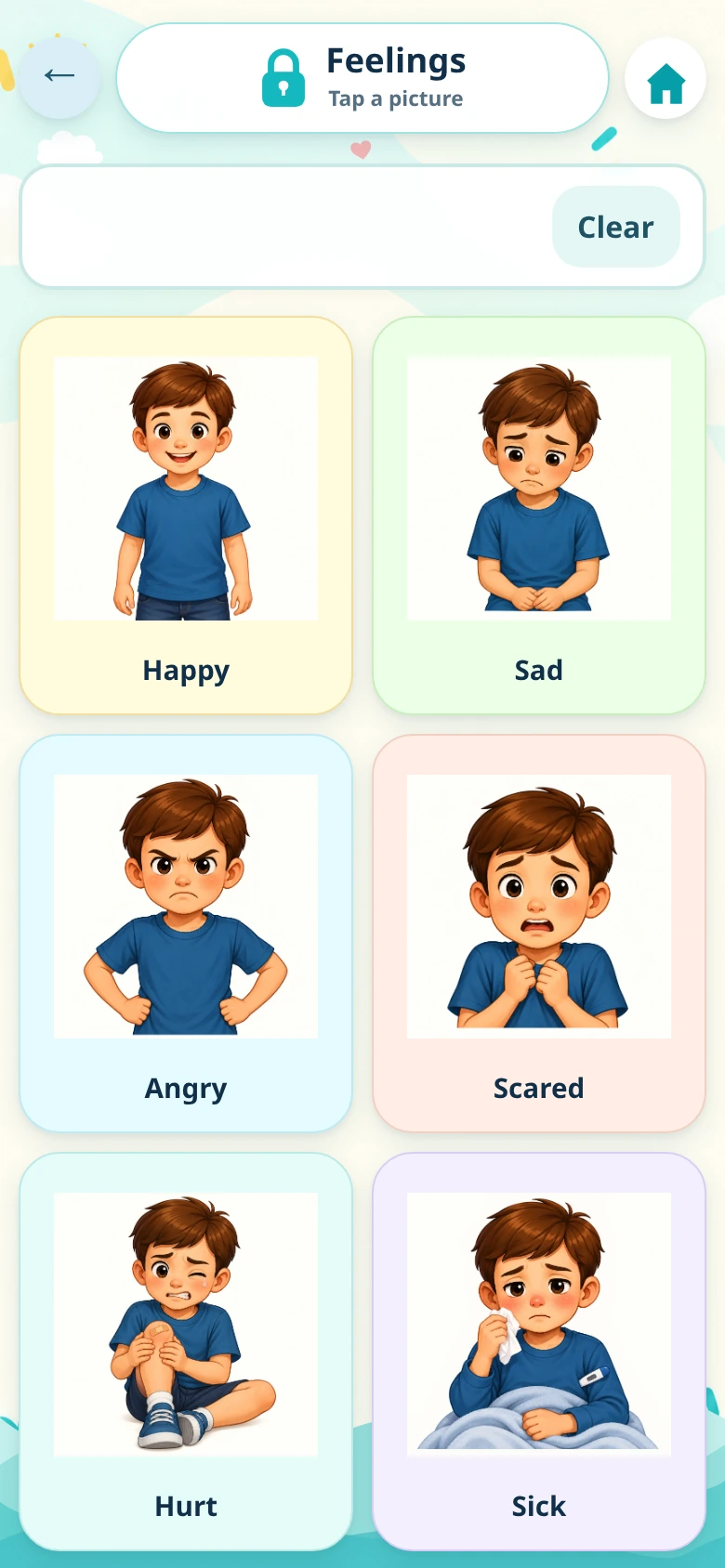
What does AAC mean?
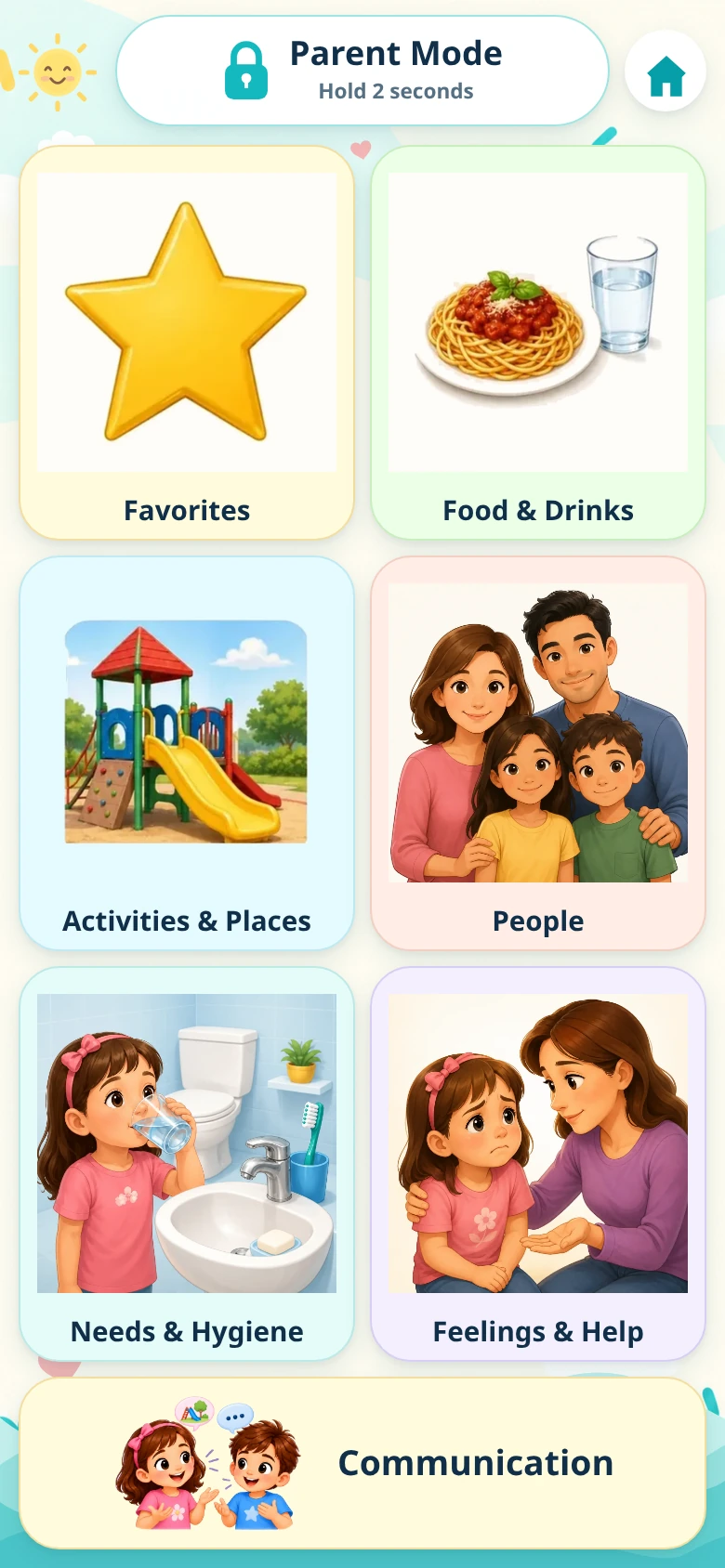
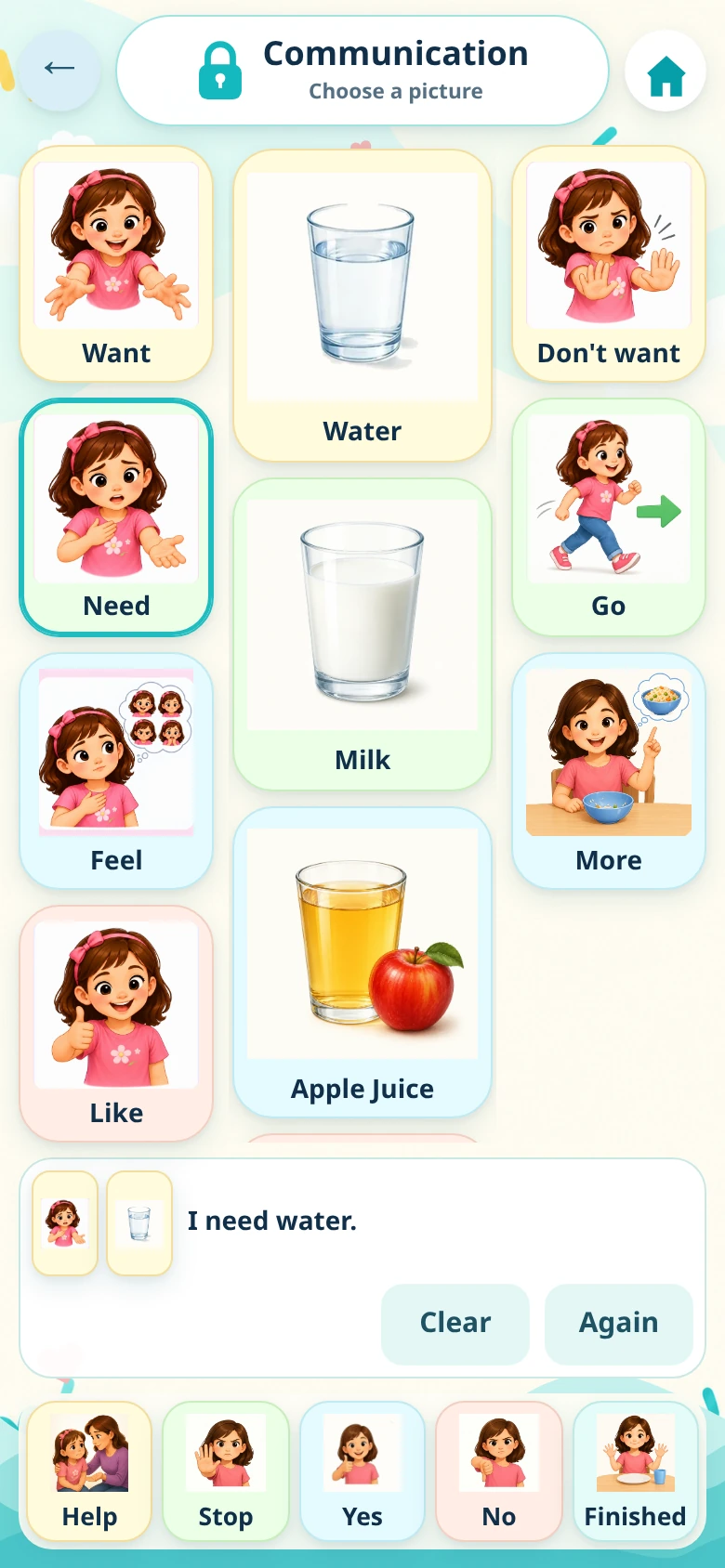
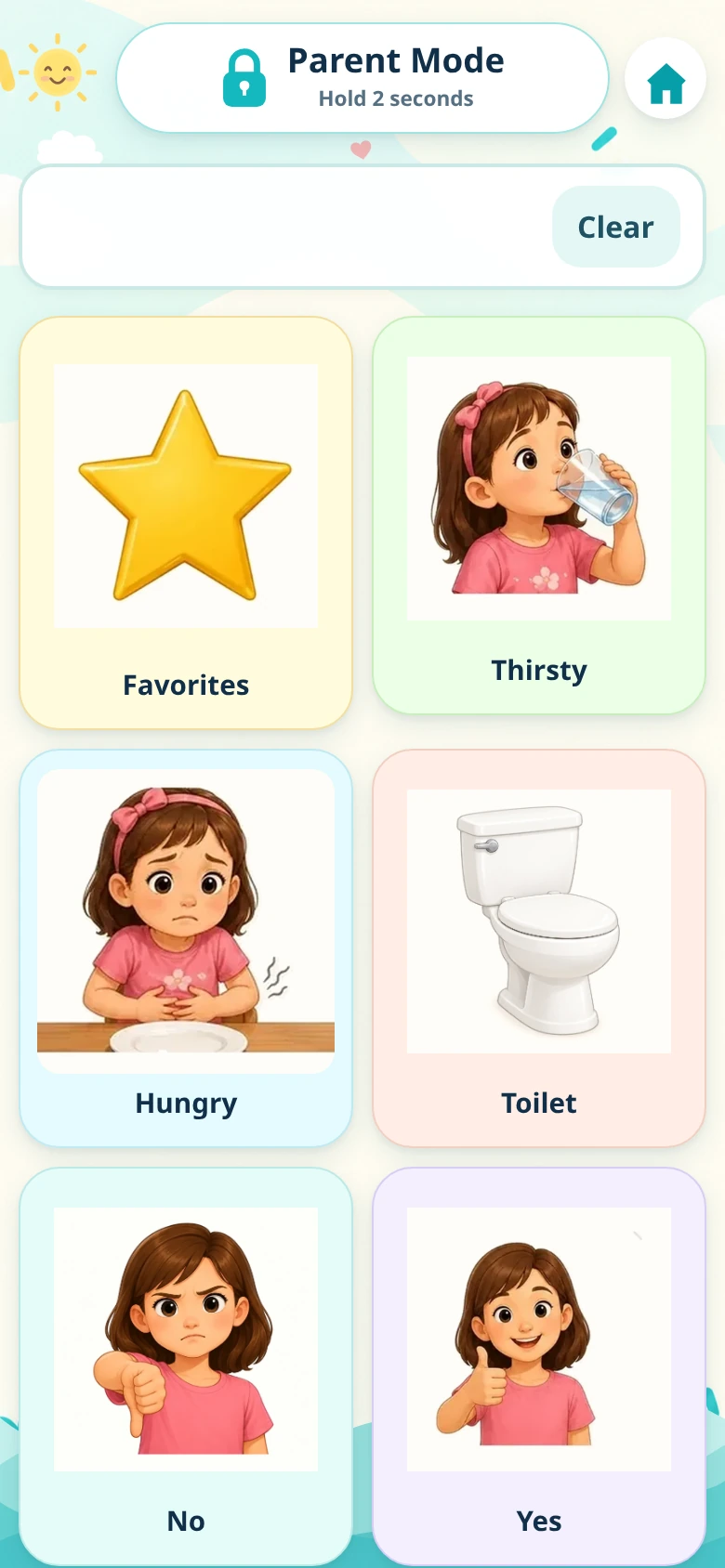
AAC stands for augmentative and alternative communication. It includes ways to support or provide an alternative to speech. HMCC AAC uses visual communication cards and device-generated speech for everyday choices, needs and feelings.
Can HMCC AAC be used by nonverbal children?
It offers a picture-based way to select words and messages for children who need another way to communicate. Parents, caregivers and educators can explore it together with the child. The best fit depends on the child’s individual communication needs.
How do I choose the best AAC app for my child?
Look for vocabulary that matters to your child, clear visual choices, usable controls and speech in your family’s language. Try the FREE experience and, where appropriate, discuss your child’s communication needs with the professionals who support your family.
Does speech work without the internet?
Core communication cards work locally. Offline speech needs a compatible Android text-to-speech engine with the chosen language’s voice data already installed. Check the voice in Android’s text-to-speech settings before going offline. Google Play is still needed for subscription operations.
Does the app use my child’s recorded voice?
No. Spoken output is provided by your Android device’s selected text-to-speech engine. HMCC AAC does not record your child’s voice. Voice style and language availability depend on that engine and the voices installed on the device.
What is included for €1.99 per month?
The optional FULL subscription unlocks the complete 122-card built-in library, Communication mode, Favorites and card-visibility controls. The FREE experience remains available without a FULL subscription. The displayed EUR price is €1.99/month; check Google Play for the price and terms in your region.
How do I open Parent Mode?
Press and hold the Parent Mode control for two seconds, then enter your Parent PIN. On first use, the starter PIN is 0000. If you have changed it, use your own PIN. The compact parent menu groups language and voice, cards and Favorites, child profile, Communication History, safety and help. Use See Full benefits to explore the optional subscription.
How do I manage or cancel FULL?
Use the subscription controls in Parent Mode or open Subscriptions in Google Play under the Google account used to subscribe. Google Play displays the subscription status, renewal details and available cancellation options.
Where can I read about privacy and stored data?
App preferences and recent Communication History are stored on the device. History has automatic five-day retention and is accessed through protected Parent Mode. Google Play handles subscription-related information separately. Read the HMCC AAC Privacy Policy for the full details.

 DIGITAL